







Splice-On Connectors Explained: A Practical Guide for FTTP Installers

Terminating fibre in the field has always been a trade-off. Pre-terminated cables are quick to install but need exact lengths planned in advance. Mechanical connectors are fast but can add more loss and are sensitive to temperature over time. Splice-on connectors sit between the two, giving you a fusion-quality joint with the flexibility of on-site termination.
What is a splice-on connector?
A splice-on connector (SOC) is a connector with a short, factory-polished fibre stub already fitted. On site, you fusion splice the cable fibre to that stub and the splice is then protected inside the connector body. The end face is polished in the factory, so the only joint made in the field is a fusion splice.
Why installers use them
- Low insertion loss. A fusion splice creates a direct glass-to-glass joint, so loss is lower than with mechanical connectors.
- Long-term reliability. There is no index-matching gel to dry out or shift with temperature, so the connection stays stable for years.
- Cut to length on site. You terminate the cable at exactly the length you need, with no coiled slack from pre-terminated leads.
- Compact. The small body suits drop cable termination and tight spaces at the customer premises.
Splice-on vs mechanical vs pre-terminated
| Splice-on | Mechanical | Pre-terminated | |
|---|---|---|---|
| Joint type | Fusion splice | Gel-filled mechanical joint | Factory terminated |
| Typical loss | Low and stable | Higher and less stable | Low |
| Cable length | Cut on site | Cut on site | Fixed in advance |
| Tools needed | Fusion splicer and cleaver | Cleaver and assembly tool | None |
| Best for | Drops, repairs, custom lengths | Occasional terminations | Planned, repeatable routes |
How to fit a splice-on connector
The exact steps depend on the connector and splicer, but the process usually runs as follows.
- Slide the connector boot and any sleeves onto the cable.
- Strip the cable and fibre to the length given in the connector instructions.
- Clean the fibre and cleave it with a precision fibre cleaver.
- Place the cable fibre and the connector stub in the splicer holders and make the splice.
- Check the estimated loss on screen.
- Slide the protective sleeve over the splice and heat-shrink it in the splicer heater.
- Assemble the connector body and fit the dust cap.
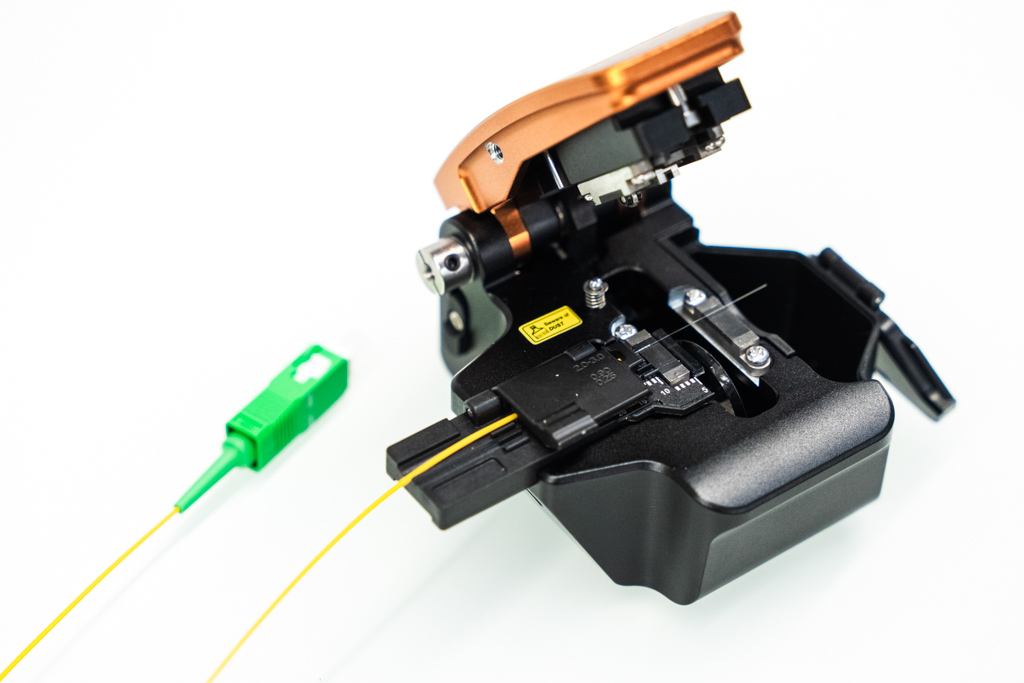
As with any fusion splice, the cleave decides most of the result. Our fibre cleaver guide explains how to keep cleave quality consistent.
What you need
- a fusion splicer with holders and a heater that suit SOCs
- a precision cleaver
- stripping and cleaning tools
- the splice-on connectors for your connector type
Buy splice-on connectors and splicers in the UK
Uptero holds splice-on connectors, fusion splicers and cleavers in UK stock, with dispatch the same or next working day to the UK and Ireland. New INNO equipment comes with a 3-year warranty.
Starting a short drop programme and not ready to buy? Our fusion splicer hire service lets you get going straight away. If you are not sure which holders your splicer needs, contact us and we will check.
A splice-on connector (SOC) is a fibre connector with a short factory-polished fibre stub. In the field, the stub is fusion spliced to the cable fibre and the splice is protected inside the connector body.
For loss and long-term stability, yes. A fusion splice gives lower and more stable loss than the index-matching gel used in mechanical connectors, and it is less affected by temperature changes over time.
You need a splicer with holders and a heater suited to SOCs. Many INNO splicers support splice-on connectors with the right holders. Contact us to check compatibility with your model.
Yes. Uptero holds splice-on connectors in UK stock, with dispatch the same or next working day to the UK and Ireland.